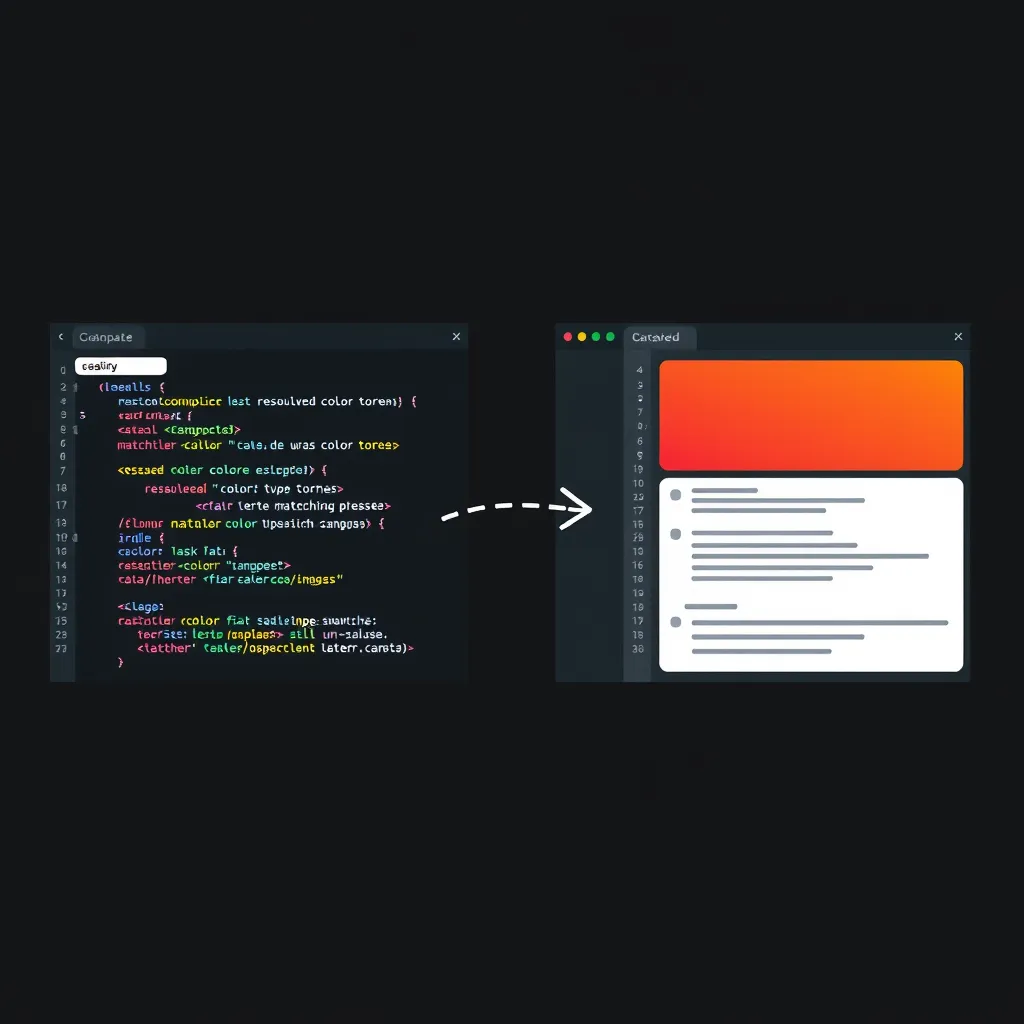
The bridge has a forward direction and a reverse direction, and only one is measured
The Figma MCP server lets agents translate code into Figma designs, manipulate designs on the canvas, and translate designs back into code, which Figma’s own workflow page calls a “two-way bridge” (Figma Learn: Workflow lab). The forward direction, design to code, already has verification habits: the build passes, and a human reviews the diff. The reverse direction, reconstructing design artifacts from shipped code, has no equivalent habit yet, and that gap is what this essay addresses.
Reverse reconstruction splits into two fidelity classes
Figma’s developer documentation draws the line directly. Sending UI to Figma “captures a running app as flat layers, without a connection to your libraries,” while writing to the canvas “builds with your existing components and variables” (Figma developer docs: Write to canvas). Flat capture produces pictures of structure. System-connected reconstruction produces objects that refer back to a design system. Those two classes behave very differently when you try to check them.
Flat capture cannot be verified, and system-connected output can
Flat layers carry no token references, no component identity, and no variable bindings. There is nothing structured to diff against the codebase, so the only check left is a human looking at the result. A system-connected reconstruction, by contrast, produces a variable collection that, in Figma’s words, “reflects the tokens used in your code” (Figma Learn: Workflow lab). That is a set an agent can compare against the source.
The comparison target on the code side is the resolved value, not the authored one. The MDN reference for window.getComputedStyle() describes a live object holding the property values the browser actually uses to render an element, after the cascade has been applied, as opposed to the values written in the stylesheet (MDN: getComputedStyle). On the design side, the DTCG format gives tokens a standard shape: $type and $value, grouping, aliases and references, and composite types (DTCG format spec). Together they let you compare two token sets in a common form.
The comparison table: five tools, two classes
The table places each reverse-direction tool on the axis that matters for verification: whether its output is connected to a library and tokens or is flat.
| Tool | Fidelity class | Input | Output artifact | Library/token link | Machine-checkable | Key limitation |
|---|---|---|---|---|---|---|
| Send UI to Figma | Flat | Running app (live UI) | Flat layers | None, by Figma’s own description | Weak: no identity or bindings to compare | Captures structure without library connection |
/figma-use (write to canvas) |
System-connected | Agent code via use_figma |
Frames built from existing components, variables, styles | Yes: uses existing components and variables | Strong: objects can be diffed against tokens and components | Beta; output “may need manual review and cleanup” |
/prototype-to-figma |
System-connected | Prototype in a local environment | One design frame per unique screen, plus summary and styles pages | Frames described as “connected to your design system” | Moderate to strong, depending on what the frames bind to | Requires a prototype running locally |
/figma-generate-design + /figma-generate-library |
System-connected | Screens and code tokens | Screens (for example light and dark side by side) and a new variable collection | Variable collection reflects tokens used in code | Strong for tokens; the collection is a comparable set | Nothing in the docs bounds how complete that collection is |
| html.to.design HTML tab / code.to.design API | Flat | Pasted HTML and CSS; the API also takes JavaScript | “Fully editable Figma layers” | Not described in its documentation | Weak for library links; comparable only at the geometry and style level | Output is a first draft, not a library-bound design |
| Onlook | Code-native (not a Figma output) | React codebase | Edits written back to the repo | Uses “your real components and design tokens,” per its page | Strong in the repo, since the components are the code | Works within React projects; the design side stays in the repo |
The round-trip parity contract: five checks an agent can run
The contract reduces the question “did the reconstruction succeed?” to five set-and-count comparisons. An agent runs them without human eyes and gets a pass or fail for each. The checks are specified here, not executed; no tool was run to produce them.
Check 1: Token-set parity
Read the resolved CSS custom properties and computed values from the running app, and read the variable collection from the Figma file. Compare them as sets, after normalizing color values to one format so that equal colors match. Computed values are the right side of the comparison because they reflect the cascade, as described in the MDN reference above.
Failure modes from the evidence: fonts that are not uploaded to the Figma account will not resolve on the design side, and images arrive only through upload_assets or generate_image, so either one can make a token look missing. Figma also warns that brand accent colors that work in light mode can “appear overly saturated or neon” in dark mode, so a token can match in one mode and drift in the other.
Check 2: Type-scale parity
Collect the distinct (font-family, size, line-height, weight) tuples on both sides, then compare the two sets. The code side comes from computed styles; the design side comes from the text styles in the file.
Failure mode from the evidence: fonts must be uploaded to the Figma account, because “fonts that are only installed on your computer aren’t available.” A type tuple that exists in the code can therefore be missing from the file for a reason unrelated to the design.
Check 3: Spacing-scale parity
Collect the distinct padding and gap values on both sides, and normalize them against the code’s grid step, so that 16px and 1rem are treated as the same step when the root size is 16px. Then compare the sets.
Failure mode from the evidence: ad-hoc spacing survives when auto layout is absent. Figma’s review checklist notes that “adding auto layout to frames gives you a more accurate sense of spacing”, which means a spacing mismatch often traces to a frame that was not built with auto layout.
Check 4: Component-integrity ratio
Count library component instances against raw rectangles and frames in the reconstruction. The ratio is the class split made numeric: a system-connected reconstruction should have a high share of instances, and a flat capture will have almost none.
Failure modes from the evidence: components must be published manually before Code Connect mappings can be completed, so an unpublished component will fail this check even when it is correct. Also, use_figma “can’t add new images on its own”. Images come through upload_assets, or new ones through generate_image. An image placed out of band will appear as a raw element in the count.
Check 5: Round-trip idempotency
Capture the design from code, write it back to Figma, then capture again from the reconstruction and diff the second capture’s token set and geometry against the first. A reconstruction that round-trips cleanly should produce the same sets both times.
Failure mode from the evidence: each tool call can return up to 20 KB of output. Check 5 therefore has to compare the size and the count of the captured data as well as the diff; treat a shrinking capture as a failure rather than as a clean match.
What the contract cannot catch
The contract verifies structural parity, not visual quality. Figma states that “Output is beta quality and may need manual review and cleanup.” A reconstruction can pass all five checks and still be visually poor.
Figma’s own review checklist covers what no diff will catch. It flags redundant UI elements, with an example of a screen that has both a step indicator and a progress bar. It asks for ad-hoc elements to be replaced with real library components, and for visual hierarchy to be reviewed. It also asks for auto layout so that spacing is accurate (Figma Learn: Workflow lab). Redundancy and hierarchy are judgments, and no count of tokens or instances settles them. Those judgments stay with a person.
How an agent should drive the loop in practice
Capture the running prototype with /prototype-to-figma. Extract tokens with /figma-generate-design and /figma-generate-library. Run the five checks. Then iterate on whatever failed, fixing fonts, publishing components, adding auto layout, or bringing in images through the supported path, and run the checks again.
The practical constraints are these, all from Figma’s documentation. The remote MCP endpoint is https://mcp.figma.com/mcp (Figma MCP server guide). A Full seat is needed to write outside drafts, and writing requires edit access and a supported MCP client (Figma developer docs: Write to canvas). Writing to the canvas “is currently in beta and free to use during the beta period. It will eventually become a usage-based paid feature.” If you use html.to.design’s URL import for pages behind a log-in, behind a VPN, on localhost, or bot-protected, the browser extension is required (html.to.design Web tab docs).
FAQ
What is the difference between sending UI to Figma and writing to the canvas?
Sending UI to Figma captures a running app as flat layers with no connection to your libraries. Writing to the canvas builds the design with your existing components and variables, so the result can be checked against them. Figma’s developer docs say the two can be used together (Figma developer docs: Write to canvas).
Can the parity checks run on html.to.design output?
Only partly. html.to.design’s HTML tab converts pasted HTML and CSS into “fully editable Figma layers,” and its documentation does not describe a library or token link. Token-set and geometry comparisons can still run on the output. Component-integrity and library-bound checks will show little, because the output is flat by design (html.to.design blog).
Why compare resolved CSS values instead of authored stylesheets?
Authored values are what the stylesheet says, while computed values are what the browser renders after the cascade. The MDN reference for getComputedStyle() describes the computed values as the ones the browser actually uses. Comparing against them avoids false mismatches caused by inheritance, overrides, or shorthand that the authored file hides (MDN: getComputedStyle).
What breaks most often in a round trip?
From the evidence, the failures to look at first are fonts that were never uploaded to the Figma account, components that were not published before mapping, and images that were added outside the tool’s supported path. Dark-mode accent saturation and missing auto layout are also flagged by Figma itself. On a reconstruction that needs more than one agent call, record the size of each capture, because the documented output limit applies per call.
Does this work with any component library?
The contract itself is library-agnostic, since it compares sets of tokens, type tuples, spacing values, and instances. Onlook’s page lists support for shadcn/ui, Radix primitives, Material UI, Chakra, and internal systems, but only within React projects (Onlook for React). On the Figma side, your components must be published in the file first, which is the manual step noted under Check 4.
The Bottom Line
Flat capture is fine for reference and first drafts. If you want design work you can prove, only system-connected reconstruction closes the loop, and the five-check contract is how an agent can confirm the result without a human comparing screens by eye. Treat a passing run as evidence of structural parity, not as proof of good design.
How This Guide Was Built
This guide draws on the published documentation for each tool it covers: Figma Learn, Figma developer docs, the Figma MCP server guide, html.to.design docs and blog, code.to.design, Onlook’s React and features pages, MDN, and the DTCG format specification. No tool was run hands-on for this guide. The five checks are specified from the documented behavior of these tools, not executed, and the failure modes are taken from the sources, not from observed runs.
Related reading on this site: Token modes, DTCG, and the resolver as a computable contract, The Figma MCP server as an agent contract, and Is your design system AI-readable?.