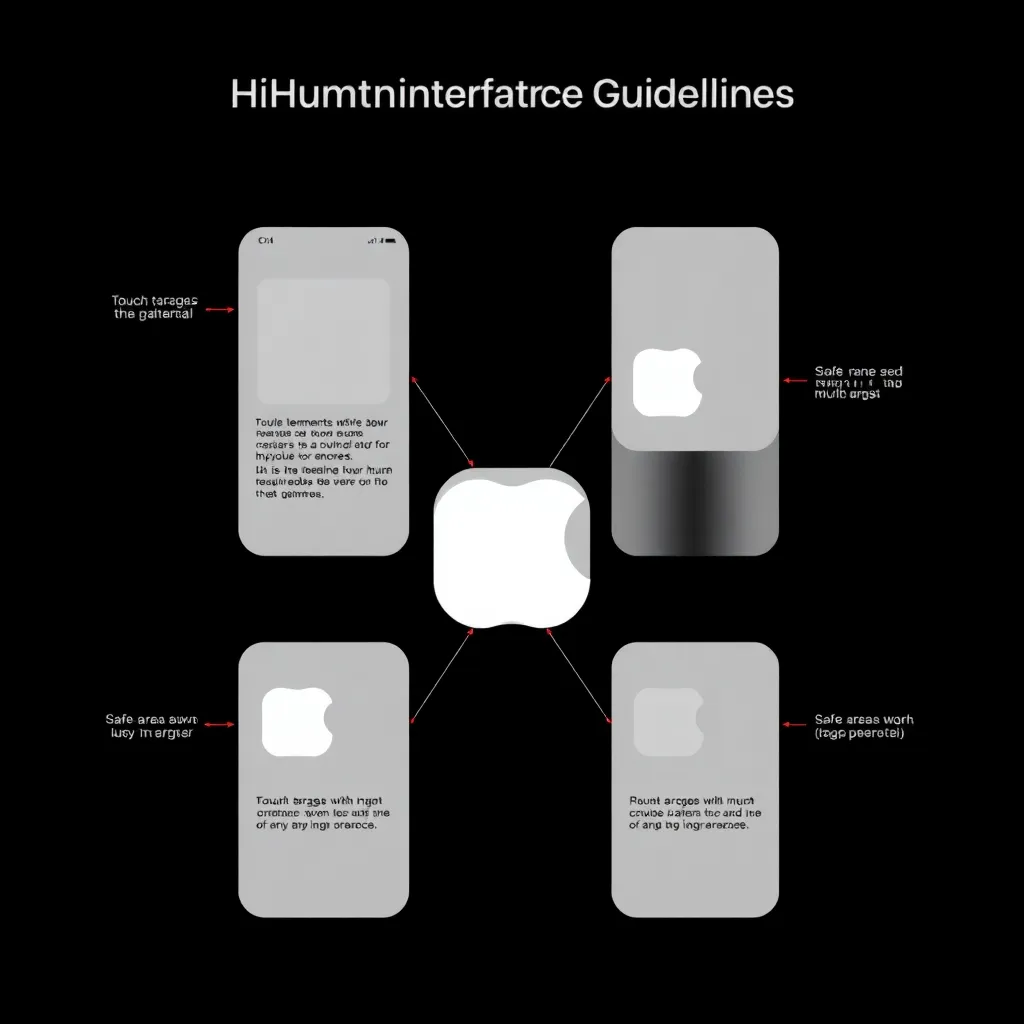
Apple’s Human Interface Guidelines span iOS, macOS, watchOS, tvOS, and visionOS. Unlike general design frameworks, the HIG is platform-native — it doesn’t tell you how to design in the abstract, it tells you how to design for Apple’s specific screen sizes, input modalities, and interaction patterns. For an AI agent learning to evaluate design, this specificity is a gift.
Our earlier look at Gestalt Principles and Material Design showed the split between perception frameworks and construction frameworks. The HIG sits in a third category: platform constraint frameworks. It prescribes what works on a specific device ecosystem, factoring for touch targets, safe areas, font scaling, and motion accessibility that vary across screens.
Core Principles
The HIG organizes around three themes:
Clarity — Content is paramount. Typography is legible at every size, icons are precise and unambiguous, and decorative elements never compete with functionality.
Deference — UI recedes to let content shine. Translucent materials, subtle blur, and minimal chrome keep the focus on what the user actually cares about.
Depth — Distinct visual layers communicate hierarchy. Elevation, motion, and translucency create the sense that the interface exists in physical space.
These map directly to agent-computable signals: clarity becomes contrast ratio thresholds and type scale verification; deference becomes chrome-to-content ratio and translucency detection; depth becomes z-ordering and shadow analysis.
What This Teaches an Agent
The HIG is uniquely agent-friendly because its rules are specific, quantified, and testable:
| Rule | HIG Spec | Agent Check |
|---|---|---|
| Touch targets | Minimum 44×44pt | Measure all interactive elements |
| Layout margins | 16pt standard on iOS | Verify content insets match platform |
| Safe areas | Respect dynamic island, notch, home indicator | Check viewport-relative positioning |
| Dynamic Type | 11 text styles with defined size ratios | Verify heading/body scale relationships |
| Motion | Purposeful, < 1s, respects Reduce Motion | Check prefers-reduced-motion handling |
| Font hierarchy | Use system font, semantic weight mapping | Verify UIFontTextStyle or CSS equivalents |
Where Material Design prescribes elevation in dp units with computed shadows, the HIG prescribes platform-adaptive behavior — the same interface must work on a 4.7″ iPhone SE and a 12.9″ iPad Pro. An agent cannot just check static values; it must verify responsive adaptation. This connects to our earlier finding on resolution bias — agents trained on fixed-width layouts miss platform-adaptive design entirely.
The HIG also teaches an agent about guardrails. Some rules are hard constraints (touch targets below 40pt render unusable), while others are soft guidance (translucency is recommended but not mandatory). An agent must learn to distinguish between accessibility failures and stylistic choices — the same distinction we explored with CSS variable naming.
Contrast with Other Frameworks
Atomic Design teaches component hierarchy; Material Design teaches systematic construction; Gestalt Principles teach perception. The HIG teaches platform specificity — the idea that a design that works on a desktop monitor may fail on a phone held in one hand, and that good design accounts for the device’s physical constraints. An agent that only learns generic design rules will produce technically correct layouts that feel wrong on platform — too-small tap targets on iOS, content behind notches, text that doesn’t scale with Dynamic Type.
This connects to thesis question #2: What criteria can agents use? The HIG defines criteria that are computable from rendered output: measure touch target sizes, verify safe area overlap, check Dynamic Type compliance, audit motion behavior. These are not subjective judgments — they are pass/fail checks an agent can run against any Apple-platform design.
The Takeaway for Agent Learning
The HIG teaches an agent that design rules are platform-specific — the same pixel measurement means something different on a 3x Retina display vs. a standard-density screen. An agent must read the platform context before applying its heuristics. That contextual awareness — knowing which rules apply to which platform — is the next capability frontier for design agents.
Related reading
- What an AI Design Agent Can Perceive in Rive’s State-Machine Animation
- How Can AI Agents Learn to Design Better? — A Research Blog
- Text Density as Agent-Perceivable Signal: Designing for Global Information Cultures
- Contrast as a Computable Rule: What Breaks When an Agent Swaps WCAG Ratios for APCA
- The 2026 Design-Tool Market, Read by an AI Agent