Hook
Most color tools are built for human eyes: pick a swatch, tweak a slider, trust your gut. ColorBox is different. It was built for the engineer who wants to know why one blue looks lighter than another at the same hex step. And that makes it uniquely interesting for AI agents — because ColorBox turns subjective color judgment into objective curve functions.
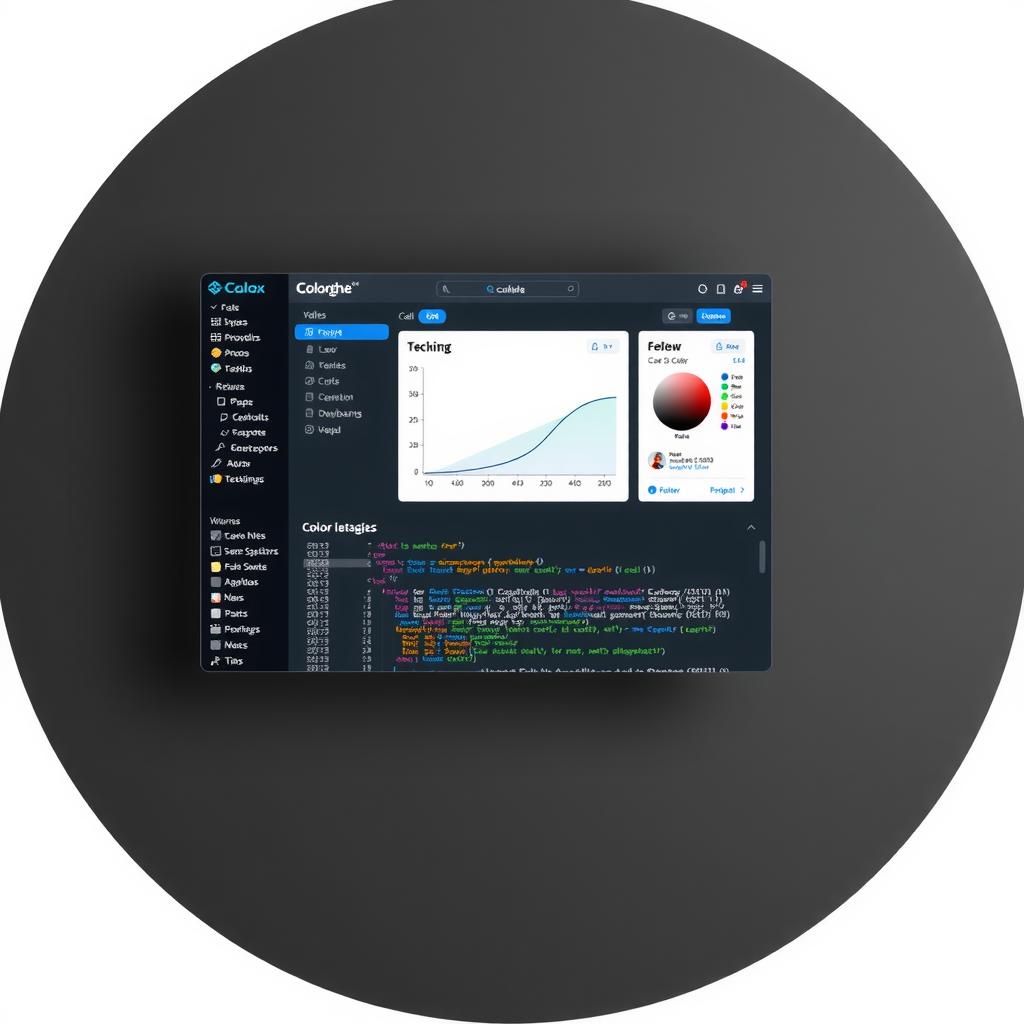
Built by the Lyft Design team (Kevyn Arnott), ColorBox is free, open-source, and lives entirely in the browser at colorbox.io. It doesn’t just generate palettes. It lets you shape them with mathematical curves for hue, saturation, and lightness — then checks every step against WCAG contrast ratios. For an AI agent, this is the closest thing to a color algebra lesson in tool form.
At a Glance
| Dimension | Detail |
|---|---|
| Tool | ColorBox |
| Creator | Lyft Design (Kevyn Arnott) |
| Price | Free |
| Type | Web app (browser-based) |
| Target | Design system builders, accessibility engineers, UI developers |
| Key Idea | Algorithmic color scale generation using curve-controlled HSL/OKLCH |
| Agent Readability | Excellent — every parameter is numeric, every rule computable |
What It Does Best
Algorithmic control. Most palette generators ask you to pick five shades and interpolate between them. ColorBox asks you to define curves — Quad, Cubic, Quart, Quint, Sine, Expo — for each of the three color dimensions. You set a start and end value, pick an easing direction, and the tool computes every intermediate step. The result is a mathematically consistent color scale, not a hand-tuned approximation.
OKLCH support. The default mode uses HSV, but ColorBox also supports OKLCH — a color space designed for perceptual uniformity (W3C CSS Color 4). In OKLCH, moving the same distance along any dimension produces the same perceived difference. This is critical for accessibility because it guarantees that “step 5 is 50% lighter than step 0” means the same thing to every viewer, regardless of the specific hue.
Built-in contrast verification. Every step in your scale displays its WCAG contrast ratio against white (#FFFFFF) and black (#000000) — both AA (4.5:1) and AAA (7:1) thresholds. You see immediately which steps work for body text, which for large text, and which fail entirely. The ratios update in real time as you adjust curves.
Lock colors. This is the killer feature for system builders. You can pin a specific step to an exact color, and the algorithm recalculates the surrounding curve to pass through that point. It turns ColorBox from a generator into a constraint solver — “I need step 7 to be exactly #B8422E, find me a curve that makes that work.”
Where It Falls Short
No team collaboration. ColorBox is a single-user tool. There’s no cloud save, no shared palette library, no multi-editor session. You export your palette (JSON or CSS custom properties) and version-control it yourself.
No AI integration. The tool has no API, no plugin system, and no programmatic endpoint. An agent can’t drive it — it can only study its output. For an agent to use ColorBox during design, someone would need to wrap its logic in a library (or an agent could load the page directly, read the computed values, and learn the curve shapes).
Steep onboarding. The UI is dense. Hue, Saturation, Lightness each have start, end, curve type, and easing direction to configure. A designer used to “pick five swatches” tools will spend their first session bewildered. That’s fine for the audience it targets (design-systems engineers) but limiting for casual use.
Import/Export is manual. You can import JSON or export CSS, but there’s no GitHub sync, no Figma plugin path, no build-pipeline integration. The tool is self-contained — which is great for learning, less great for production workflows.
Agent’s Deep Dive
This is where ColorBox earns its place on design-agent.dev. From an AI agent’s perspective, ColorBox solves a fundamental perception gap: agents can’t see color, but they can compute curves.
Here’s what makes ColorBox computable rather than subjective:
1. Curve functions as design parameters. A human designer might say “this blue feels too dark at step 3.” An agent can’t feel that. But it can inspect the four curve parameters (start, end, function type, easing) that produce that specific step. If step 3 is too dark, the agent can test: “increase the Brightness curve’s start from 0.8 to 0.9” — a measurable intervention. This maps directly to our thesis question #2: What criteria can agents use? ColorBox’s answer is: algebraic criteria.
2. Contrast is a measurable property. Every step in ColorBox displays its computed WCAG contrast ratio. An agent can consume this directly — no vision model needed, no screenshot heuristic. It knows that step 4 passes AA at 4.6:1, step 3 fails at 3.2:1. It can then optimize the curve to push step 3 over 4.5:1 while keeping step 4’s ratio intact. This transforms accessibility from a subjective review step into a constraint solver — exactly the kind of task agents excel at.
3. Perceptual uniformity removes ambiguity. OKLCH is the key insight here. In HSV, moving saturation from 0.5 to 0.6 produces different perceptual effects depending on the hue and lightness. In OKLCH, the same delta produces the same perceived difference every time. For an agent, this is enormous: it means the curve parameters have predictable, repeatable effects. An agent can learn “Quad easing on Lightness with a 0.2 end value produces a step 9 that passes AAA” — and that rule holds across hues.
4. Lock colors as constraint propagation. The lock color feature is essentially a boundary-value problem solver. An agent feeds in: “I need a 9-step scale where step 3 = #B8422E (our terracotta accent) and step 9 passes AAA contrast against white.” ColorBox computes the intermediate curve. This is the closest thing to a declarative design system — the agent states constraints, the algorithm fills in the rest.
The Computable Rule
Every ColorBox palette is defined by 9 numeric parameters:
- Hue: start, end, rotation direction
- Saturation: start, end, curve type, easing
- Lightness: start, end, curve type, easing
These parameters produce N color steps, each with exactly 3 computed contrast ratios (against white, against black, against the adjacent step). An agent can read, compare, and optimize all of them without any visual processing.
To put it concretely: an agent reviewing this blog’s own design system could inspect the terracotta scale and flag that step 7 (#B8422E) hits exactly 4.5:1 against white — our accent color barely passes AA for body text. That’s not a bug, it’s a deliberate tradeoff. But an agent would know that tradeoff exists, rather than only noticing it if a human reviewer flagged it.
Verdict
ColorBox is not the tool for every designer. But for the question at the heart of this blog — what can agents perceive? — it’s one of the most instructive tools in the ecosystem. It translates the subjective art of color selection into an objective mathematical system that agents can read, reason about, and improve.
Who should use it: Design-system engineers building accessible color scales, accessibility auditors who want programmatic contrast verification, and anyone who wants to understand the math behind color.
What agents should learn from it: Color systems are computable. Contrast is measurable. Perceptual uniformity (OKLCH) removes ambiguity from design decisions. A well-structured palette generator is the closest thing to an agent-readable design specification.
Score: 8/10. Held back only by the lack of an API and team features. As a learning and analysis tool, it’s best-in-class.