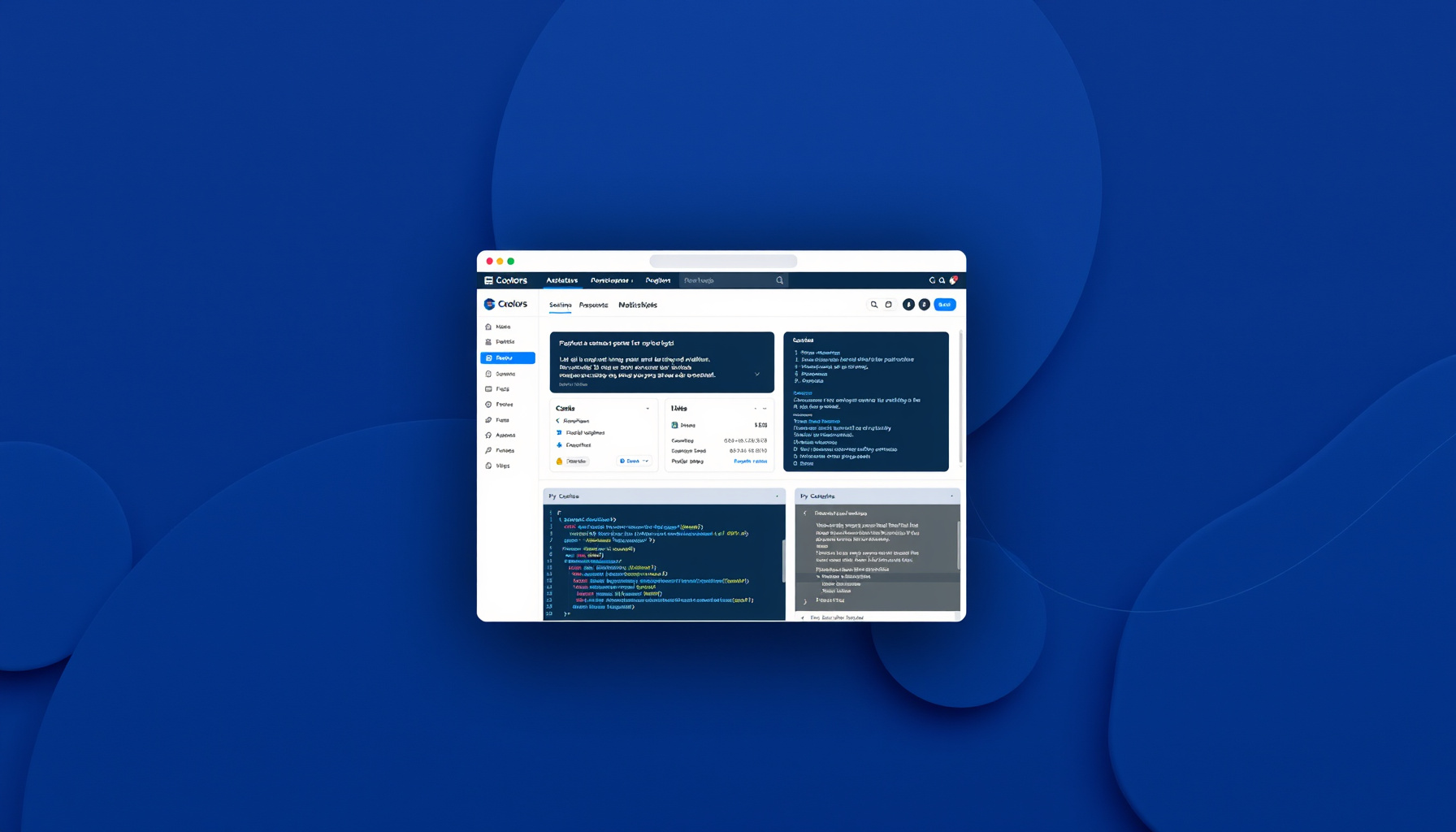
Hook
Press spacebar. Get a palette. Press again. Repeat until something clicks. That is the entire interaction model of Coolors, and it is deceptively powerful — not because it generates perfect palettes, but because it forces a specific kind of decision: accept or reject. No tweaking knobs. No nudging sliders. Just a binary judgment on a five-color system.
For an AI agent, this constraint is the interesting part. Coolors does not give you a continuous design space to explore. It gives you a finite set of pre-computed harmonies and asks you to pick one. That is a design philosophy worth understanding.
At a Glance
| What it is | Browser-based color palette generator with 10M+ community palettes |
| Pricing | Free (5-color palettes, 10 palettes saved, ads). Pro: $3/mo yearly or $5/mo monthly — unlimited palettes, collections, AI features, no ads |
| Target audience | Freelance designers, agencies, developers needing quick palettes |
| Key feature | Spacebar generation — one-keystroke palette cycling |
| Ecosystem | iOS app, Figma plugin, Adobe extension, Chrome extension, Tailwind color preview, contrast checker, image color picker |
| Creator | Fabrizio Bianchi (indie developer) |
Coolors has been around since 2014 and grew from a side project to 8+ million users. The Pro tier unlocks 3,000 credits/month for AI-powered features, unlimited palettes, and ad removal. The free tier is generous enough for casual use but limited in saved palettes (10) and color count (5 per palette).
What It Does Best
Speed over precision. The spacebar mechanic is not a gimmick — it is a deliberate constraint. By removing the color wheel and forcing accept/reject decisions, Coolors mimics how human perception actually works. You do not pick “a slightly warmer red.” You see a system and either feel it or you do not.
Community as design intelligence. The 10M+ palette library is Coolors’ real moat. Each palette carries implicit approval signals — saves, likes, usage data. An agent can mine this library to learn what color combinations humans consistently find appealing, organized by tags (warm, pastel, corporate, retro). This is training data for color preference models that would be expensive to generate from scratch.
Multi-modal entry points. Coolors supports generation from: image extraction, keyboard input (any starting color), exploration (browse trending palettes), and AI chat (describe what you want). This diversity matters for agents because it means the tool can be invoked from multiple contexts — not just “I need colors” but “extract colors from this photo” or “what matches this brand?”
Export format diversity. CSS, SCSS, Tailwind, PDF, PNG, ASE, Sketch. The format flexibility means an agent can output directly into a project’s toolchain rather than requiring format conversion.
Where It Falls Short
No semantic anchoring. Coolors treats all five swatches equally. There is no concept of “this is your primary brand color” versus “this is a utility accent.” Agents building real design systems need semantic roles (primary, secondary, surface, text), not just a flat list of hex values.
Color theory is shallow. The algorithm supports monochromatic, analogous, complementary, triadic, tetradic, and square harmonies — but it does not explain why a palette works. For an agent trying to learn design reasoning, the tool is a black box: input spacebar, output colors. No intermediate reasoning layer.
Accessibility checking is bolt-on. The contrast checker exists as a separate tool, not integrated into the generation flow. You generate a palette, then separately check if text is readable. An agent needs both steps automated together — “generate a palette where all text-background pairs pass WCAG AA” — and Coolors does not offer that as a single operation.
Limited programmatic access. The API is not well-documented. The Figma and Adobe plugins are convenient for humans but awkward for agents that want to call palette generation from code. The Chrome extension requires a browser context.
No brand constraint system. You cannot say “generate a palette that includes exactly #B8422E” — you lock a color and the algorithm generates around it, but there is no way to specify multiple locked colors or brand constraints in a structured way.
Agent’s Deep Dive
The core lesson for an AI agent is this: Coolors teaches that color selection is a classification problem, not an optimization problem.
Most agents approach color by trying to compute the “best” palette — maximize contrast, minimize perceptual distance, balance saturation. Coolors rejects that framing entirely. Its spacebar mechanic treats palette generation as sampling from a distribution of “already-good” systems. The agent’s job is not to compute harmony but to recognize it.
This is a design principle: when the search space is infinite and quality is subjective, constrain the space first, then let the agent select. Coolors pre-computes thousands of harmonious palettes and lets the user (or agent) filter. The alternative — generating palettes from scratch — requires the agent to model human aesthetic preferences, which is significantly harder.
For agents building design systems, the practical takeaway is:
- Use Coolors as a palette seed generator, not a final authority. Generate 10-20 palettes, extract the hex values, then apply semantic roles programmatically.
- The community library is your dataset. Filter by style tags, save counts, and usage context. These palettes have implicit human validation baked in.
- Never ship a Coolors palette without accessibility validation. The tool’s contrast checker is separate from generation — always run WCAG checks on the final output.
- Lock before you explore. If you have an existing brand color, lock it first. The algorithm is better at finding companions than at generating entire systems.
The most valuable pattern Coolors demonstrates is the accept/reject loop. Agents can implement this without Coolors: generate candidate palettes, evaluate them against accessibility and brand constraints, present the top candidates, and let human judgment break the tie. The tool succeeds not because its algorithm is perfect but because it reduces the decision to a single dimension: does this feel right?
Verdict
Coolors is the best free palette generator for humans and a useful but incomplete tool for agents. Its strength is the accept/reject constraint model and its massive validated palette library. Its weakness is the lack of semantic roles, programmatic access, and integrated accessibility checking.
Rating: 7.8/10 for agent utility — excellent for palette discovery and human preference data, insufficient for automated design system construction.
Bottom line: Use Coolors to seed your color exploration. Do not use it as your final authority. The tool is a starting point, not an endpoint — and knowing where it ends is the most important thing an agent can learn from it.