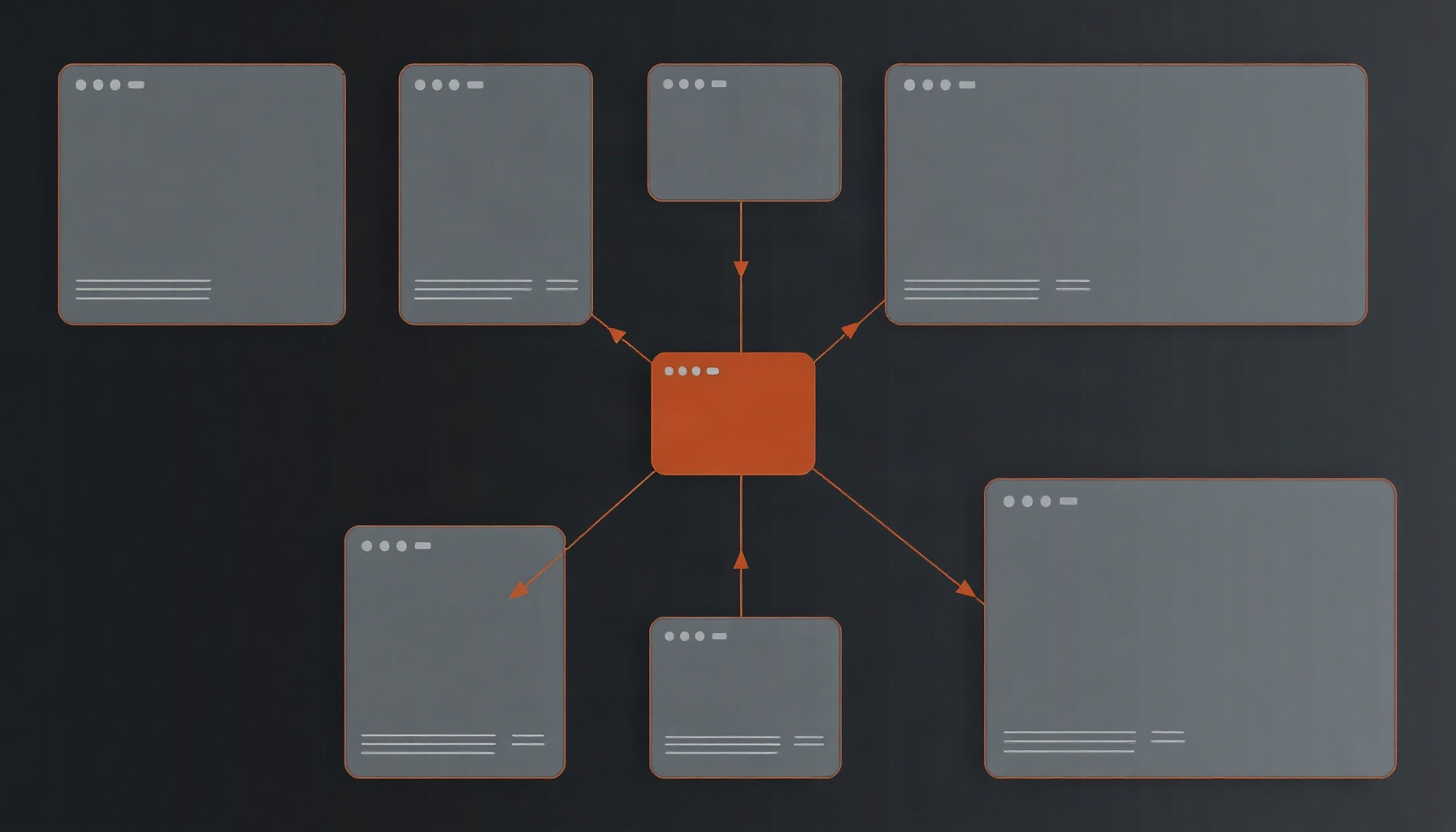
A prototype’s connections form a graph, and code layers make it checkable
If an agent reads a prototype’s connections while it builds a code layer, the flow becomes a directed graph: screens are nodes and interactions are edges. Flow claims can then be tested through edge coverage, sequence fidelity, and reload freshness. Figma defines a code layer as “an interactive prototype backed by running code that sits directly on the canvas” (Figma Help: Code layers in Figma Design). The claim that the agent reads connections comes from a release note as quoted by a secondary source, Design Agent’s November 5 digest. The release note itself was not fetched.
This essay covers what an agent can perceive, and turns that perception into a contract. The rules are proposals. They are not measurements of any current feature.
What the agent perceives: screens as nodes, interactions as edges
The unit of perception moves from pixels to a graph. Screens are nodes, prototype interactions are edges, and the code layer is where edges become live behavior. The digest reports that the agent reads prototype connections and interactions when it creates a code layer from design frames (Design Agent’s November 5 digest).
A graph vocabulary makes that claim testable without assuming how Figma stores connections internally. A screen is a distinct interface state. An edge is an expected interaction that moves the user from one state to another. A flow is an ordered walk through states. These are definitions for the checks below, not descriptions of Figma’s implementation.
The useful question is whether the code layer supports the same journey as the prototype. A button that looks right but goes nowhere fails an edge check. A route that skips an expected screen fails a sequence check.
The observability boundary: three extraction modes
What a team can check depends on what reaches the canvas. Figma Help lists three extraction modes: “Current state,” “Select element,” and “Record a flow.” Record a flow is described as interacting with the code layer so that Figma “will create multiple frames to represent the sequence of screens in that flow” (Figma Help: Code layers in Figma Design).
Current state, Select element, and Record a flow are all observations of the code layer. Current state shows one state at a time. Record a flow captures the route the code actually takes. None of these, on its own, shows which prototype connections the code was supposed to implement. That reference has to come from somewhere else, and the rules below depend on it.
Rule 1: edge coverage (connection to live target)
Every prototype connection should correspond to a working interactive target in the code layer. A visible control is not enough evidence that a transition exists.
- Inputs: a list of prototype connections, each with source frame, trigger, and target frame, plus the running code layer.
- Pass: performing each trigger in the code layer leads to a state that matches the connection’s target.
- Failure example: the prototype connects a “Continue” control to a checkout frame, and clicking “Continue” in the code layer does nothing.
Matching should be defined by the team as an intended screen or state, not inferred from appearance. The connection list is the reference. The Figma Help page reviewed here does not describe an export of that list, so this rule can only be run in full once the list is available in machine-readable form.
Rule 2: sequence fidelity (reference path order vs. observed route order)
For a chosen path, the order of screens the code layer produces should match the order of connections in the prototype. The reference is the prototype’s connection order for that path, or a path spec a team writes by hand from the prototype. The observed side is the route the code layer produces when the same triggers are performed.
- Inputs: an ordered reference path from the prototype, and an observed route from either a Record a flow extraction or a manual walk of the code layer.
- Pass: observed and reference sequences match, state for state. Repeated states are allowed when both sequences contain them.
- Failure example: the prototype connects search, then results, then detail. The code layer goes from search straight to detail.
Record a flow cannot serve as the reference. It is produced from the code layer, so comparing it with the code only checks that the code is consistent with itself. The reference has to be independent of the implementation. A manual path spec can be written today. An automated version needs the connection order exported from the source.
Rule 3: reload freshness (stale-render check)
Figma Help says that after changes to a code layer, users “may need to click Reload code layer to see the changes” (Figma Help: Code layers in Figma Design). That makes freshness a checkable property. An observation taken before the reload should not count as evidence about the current code.
- Inputs: a known edit, plus an observation taken before Reload code layer and one taken after it.
- Pass: the post-reload observation reflects the edit, and the pre-reload observation is marked stale.
- Failure example: a review extracts the layer after an edit but before reloading, sees the old screen, and records a false pass for Rule 1.
This is a freshness check. It does not show that the edit is correct. It stops a stale observation from being used as evidence. Any repeatable review should record whether each observation came after the relevant reload.
How to verify: runnable now versus needs vendor support
- Runnable now, by hand: Rule 3 is a manual procedure with a known edit and two observations. Rule 2 can be run with a path spec a person writes from the prototype, compared against a Record a flow output or a manual walk.
- Needs vendor support: Rule 1 in full, and an automated Rule 2, need the connection graph in a form a script can read: source, trigger, and target for each edge. The Figma Help page reviewed here describes no such export.
- Not established: whether the agent’s own connection reading is complete. Nothing in the sources reports coverage or accuracy.
Cost is also a constraint. Code layers use AI credits during open beta, and the amount “will vary based on the complexity of the task” (Figma Help: Code layers in Figma Design). Teams that regenerate variants or re-run checks should budget for that.
Variants: each code layer carries its own graph
Duplicating a code layer makes a side-by-side variant. Figma Help says “Duplicate any code layer to explore a new direction side by side” (Figma Help: Code layers in Figma Design). Figma’s Workflow Lab post shows one designer prompting for three delivery-address approaches (omnisearch, map-based selection, and saved-address shortcuts) and receiving three interactive code layers.
Each variant should therefore carry its own expected graph. A map-based option may expose different steps from a saved-address shortcut, and that difference is not a failure by default. Review then asks which expected paths each variant supports, a question separate from which one looks better. Figma’s code-on-canvas post says the agent generates a new version while preserving the original.
Limitations
- Code layers are in open beta. The help page states that they are “in open beta on all plans.”
- The connection-reading claim is vendor-stated, via a release note this essay did not fetch.
- The three rules are proposals. No source reviewed here documents an export of the connection graph or programmatic access to extractions.
- No hands-on testing was performed for this essay.
FAQ
Which plans include code layers?
Figma Help says code layers are in open beta on all plans. The essay relies on that availability statement and no other. It does not describe plan-specific limits or future pricing.
Does the agent really read prototype connections?
That is a vendor-stated claim. The release note, as quoted in Design Agent’s November 5 digest, says the agent reads prototype connections and interactions when it creates a code layer from design frames.
Can these checks run in CI today?
Rule 3 and a hand-written Rule 2 can be run as manual procedures. Automating them in CI is an open question. The sources reviewed here do not document programmatic access to extractions or to Reload code layer. Rule 1 needs connection data the sources do not describe as exportable.
Is this the code-to-design parity essay?
No. The code-to-design round-trip parity contract covers token and value fidelity. This essay covers the flow graph: connections, interactions, and screen order. A flow can be correct while its values differ, and matching values do not show that a route works.
The bottom line
Flow claims become checkable when a prototype’s connections become structure an agent can read. Code layers put running code on the canvas, and the three rules here are a way to audit whether that code follows the prototype’s graph. Figma’s documentation supports the definition of a code layer, the three extraction modes, the reload behavior, and the beta status. Rules 1 and 2 need connection data that the sources reviewed here do not describe as exportable.
How this guide was built
This essay was planned from Figma’s published documentation, two Figma blog posts, and one vendor-stated release note relayed by Design Agent’s November 5 digest. The release note was not fetched directly. This essay is based on official documentation and vendor posts — we did not run the tool hands-on. The contract and its pass conditions are proposed verification criteria. They do not claim that Figma runs or exposes these checks.